Centro de ayuda / Branding & account settings
Brand your owner portal
Este artículo solo está disponible en inglés por ahora. El resto del centro de ayuda está en español.
Add your logo, colours and font.
Para operadores · 3 min de lectura
Make Staklio feel like your own. Branding applies to the login page and the owner portal.
Set it up
- 1 Open Settings → Branding.
- 2 Paste your website and use Scrape to pull your logo, colours and font automatically — or set them by hand.
- 3 Upload a logo and (optionally) a login background image.
- 4 Adjust the accent and sidebar colours, preview, and save.
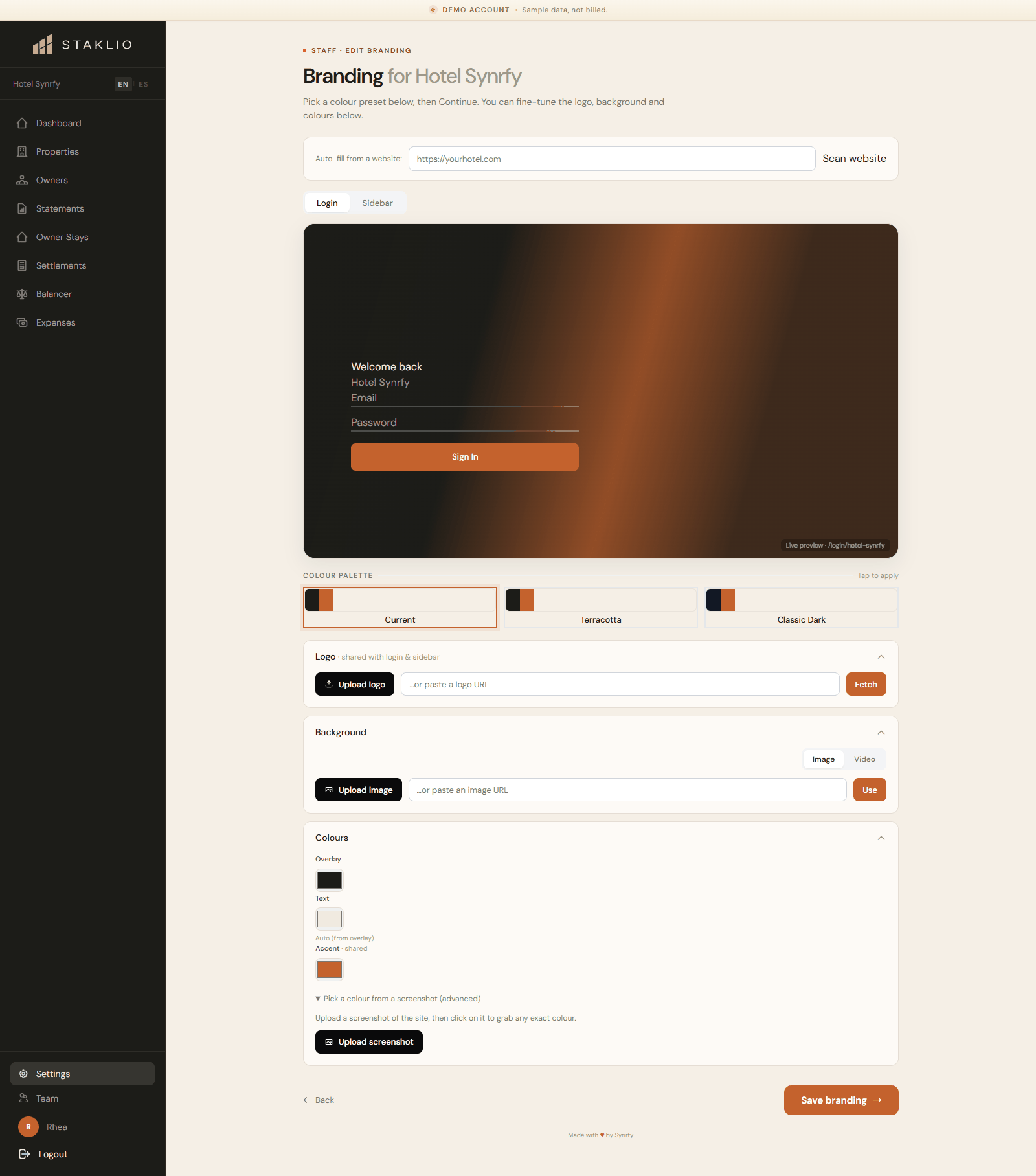
Notas: Your branded login lives at a slug for your account, so owners always see your identity — not a generic Staklio screen. You can reset to defaults at any time.