Help center / Branding & account settings
Brand your owner portal
Add your logo, colours and font.
For operators · 3 min read
Make Staklio feel like your own. Branding applies to the login page and the owner portal.
Set it up
- 1 Open Settings → Branding.
- 2 Paste your website and use Scrape to pull your logo, colours and font automatically — or set them by hand.
- 3 Upload a logo and (optionally) a login background image.
- 4 Adjust the accent and sidebar colours, preview, and save.
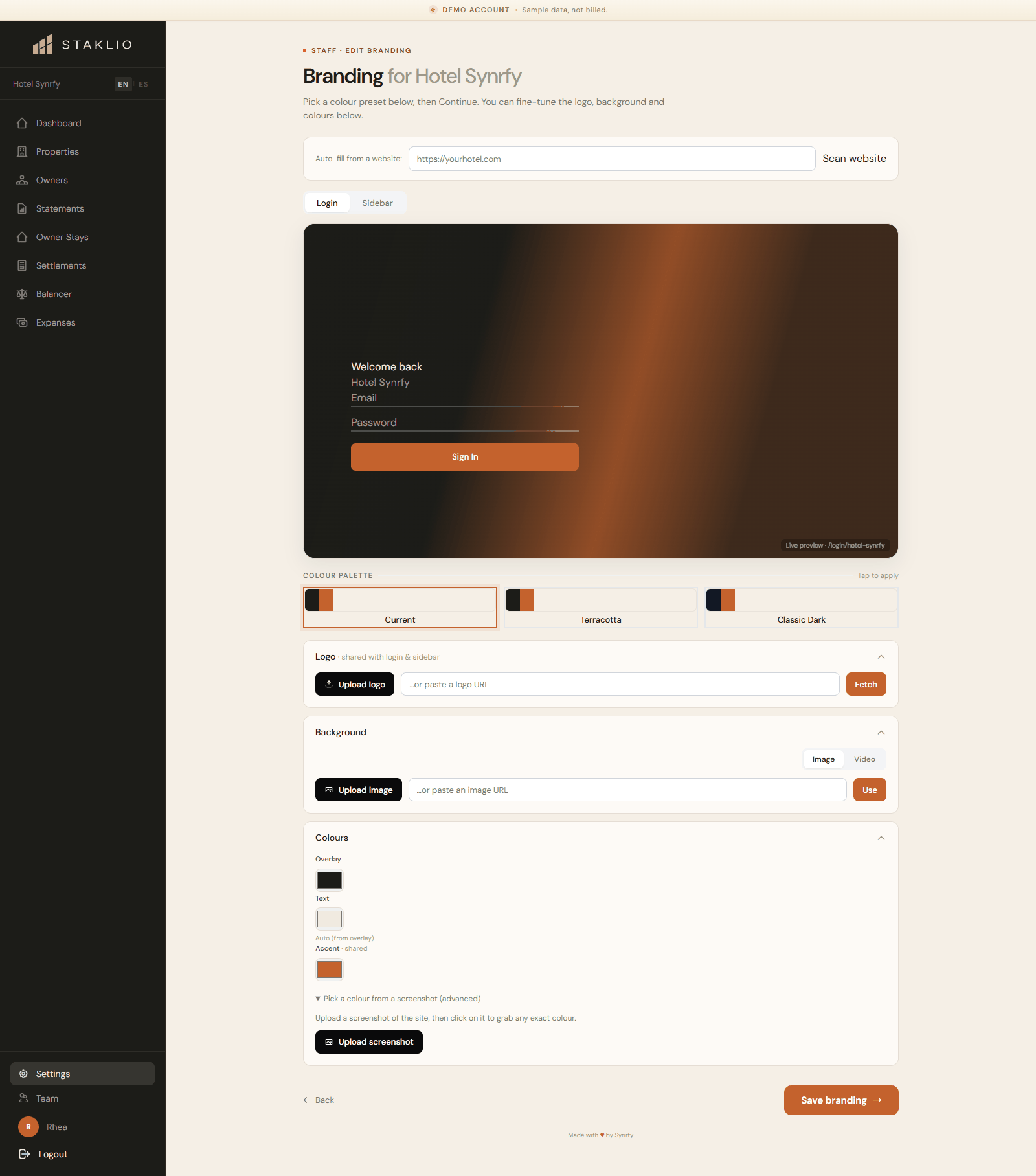
Note: Your branded login lives at a slug for your account, so owners always see your identity — not a generic Staklio screen. You can reset to defaults at any time.