Help center / For owners
Your owner portal
Sign in and find your way around.
For owners · 2 min read
You received an invitation by email from your property. Click the link, set a password, and you're in. Your portal shows only your units and is read-only — you can see everything about your units but never change PMS data.
What you'll find
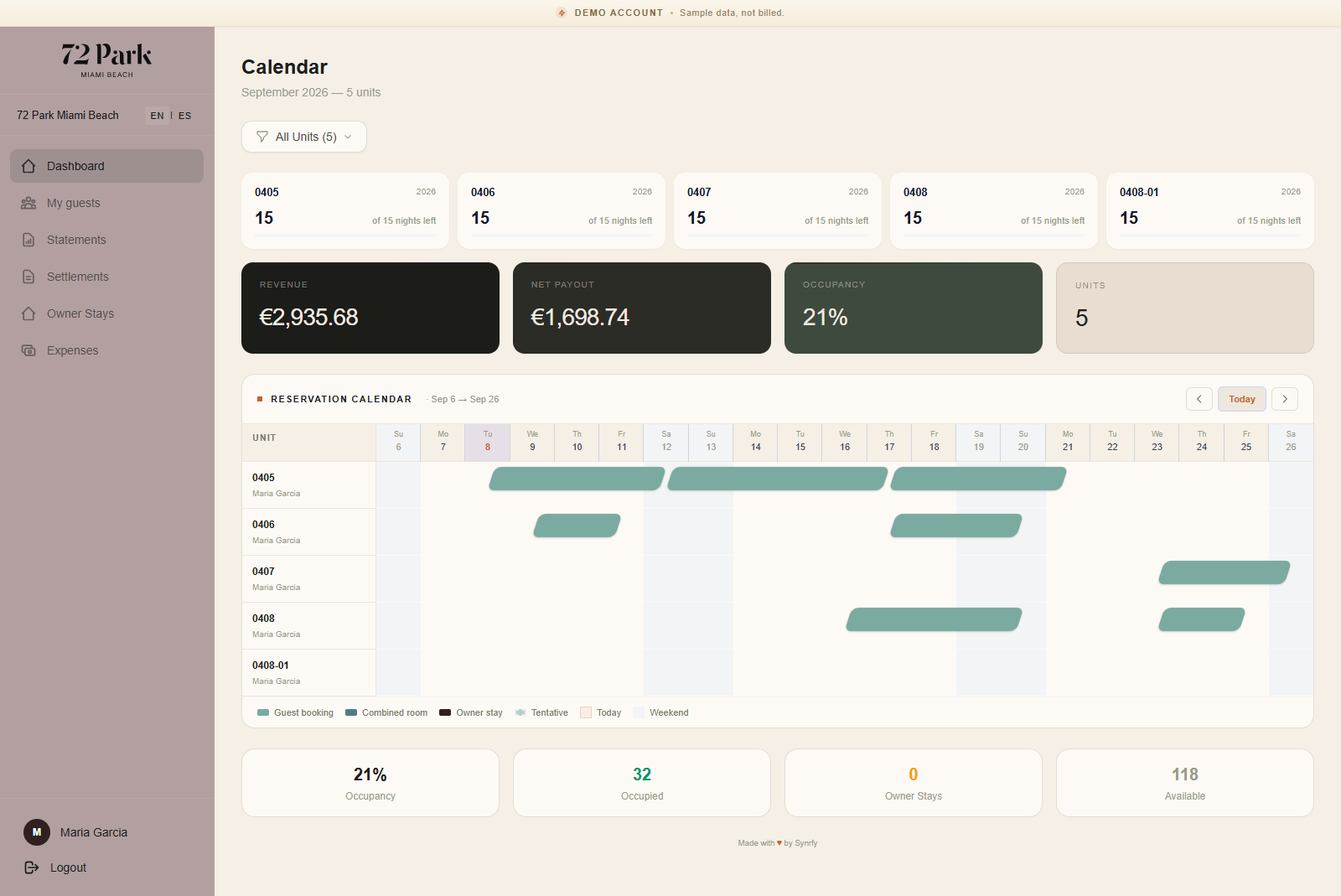
- •Dashboard — your occupancy and revenue at a glance, with year-to-date trends.
- •Calendar — bookings on your units.
- •Owner stays — book your own stays in your units.
- •Statements — your monthly settlements, with the option to accept.
Note: Exactly which sections you see depends on what your operator has enabled for you.