Centro de ayuda / Settlements & statements
Generate & send settlements
Este artículo solo está disponible en inglés por ahora. El resto del centro de ayuda está en español.
Turn a month's activity into a payout per owner.
Para operadores · 4 min de lectura
At the end of each period Staklio turns all activity into a settlement per owner: gross revenue, the deductions from your rules, and the net payout.
The flow
- 1 Settlements generate automatically on your chosen day of the month, or you can use Generate now for a specific month.
- 2 Review each owner's gross → deductions → net on the Settlements page.
- 3 Approve the period (in bulk or one by one).
- 4 Send — owners are emailed a statement and can accept it.
- 5 Mark as paid once you've made the payout.
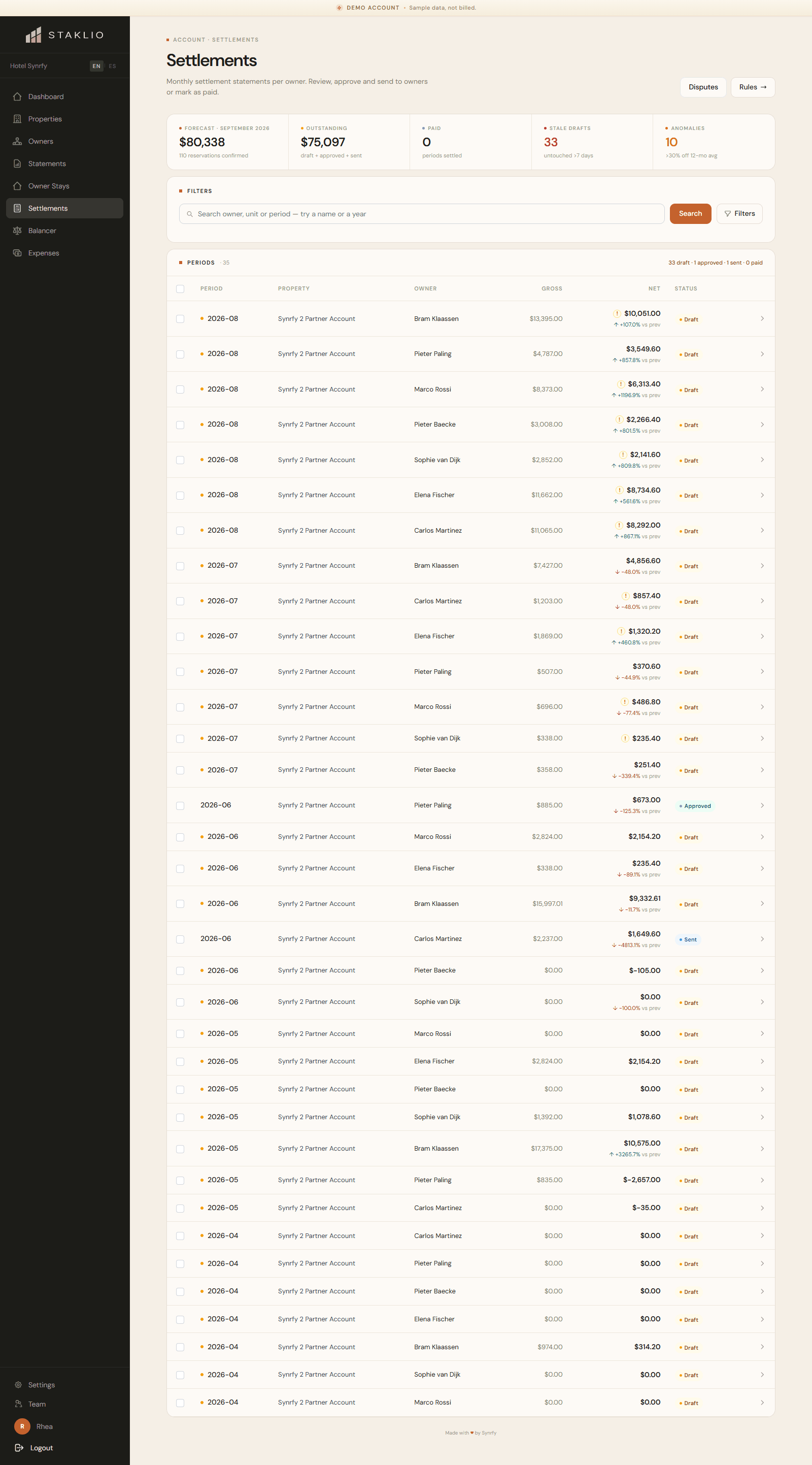
A period moves through clear states: draft → approved → sent → paid. You control the schedule under Settings, including whether generation and sending happen automatically.
Notas: Each statement line traces back to a specific reservation or owner stay, so any figure can be explained.